01 / DISCOVERDesigned around
Designed around
your television.
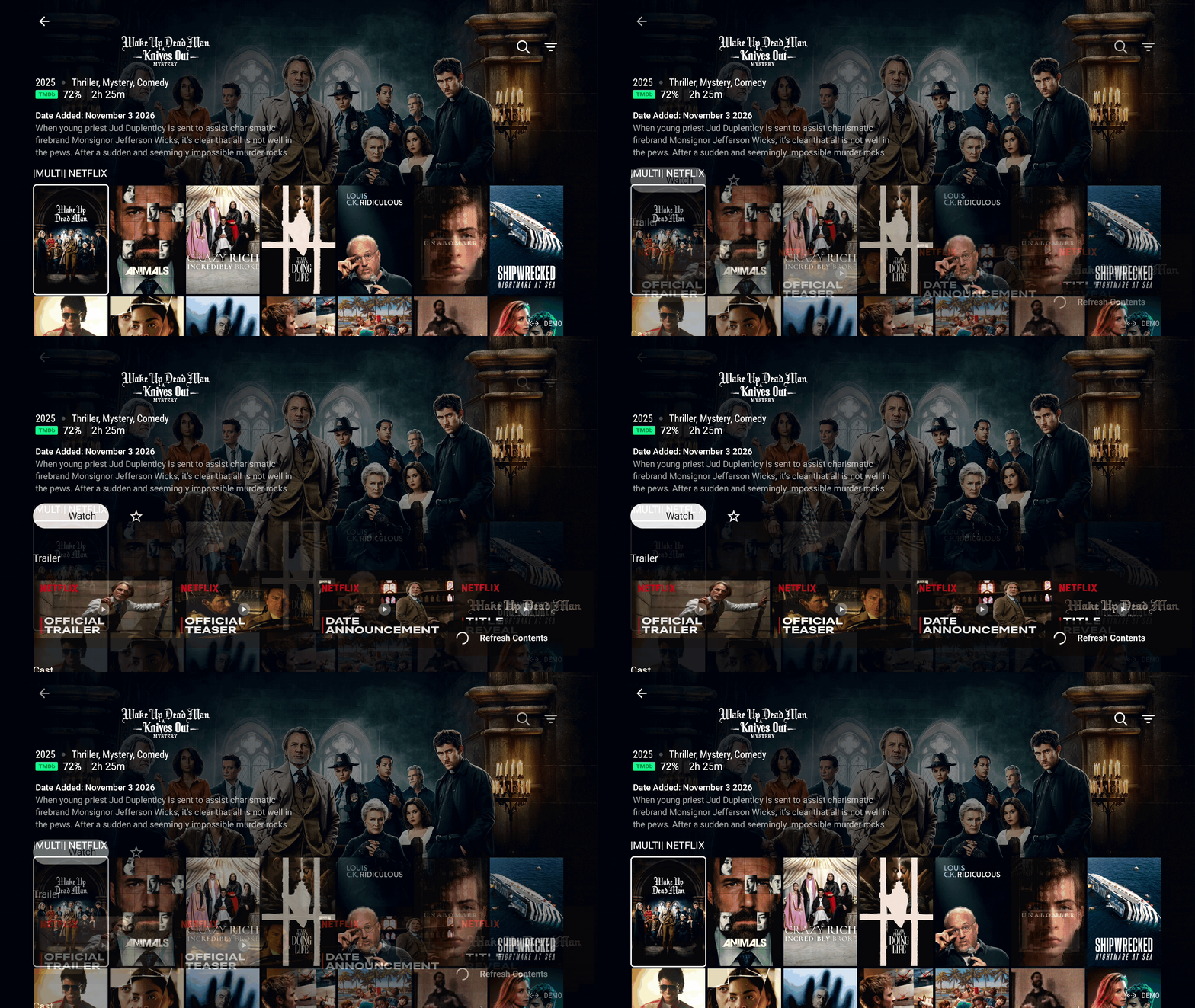
Browse channels, movies and series through an immersive interface made for larger screens.
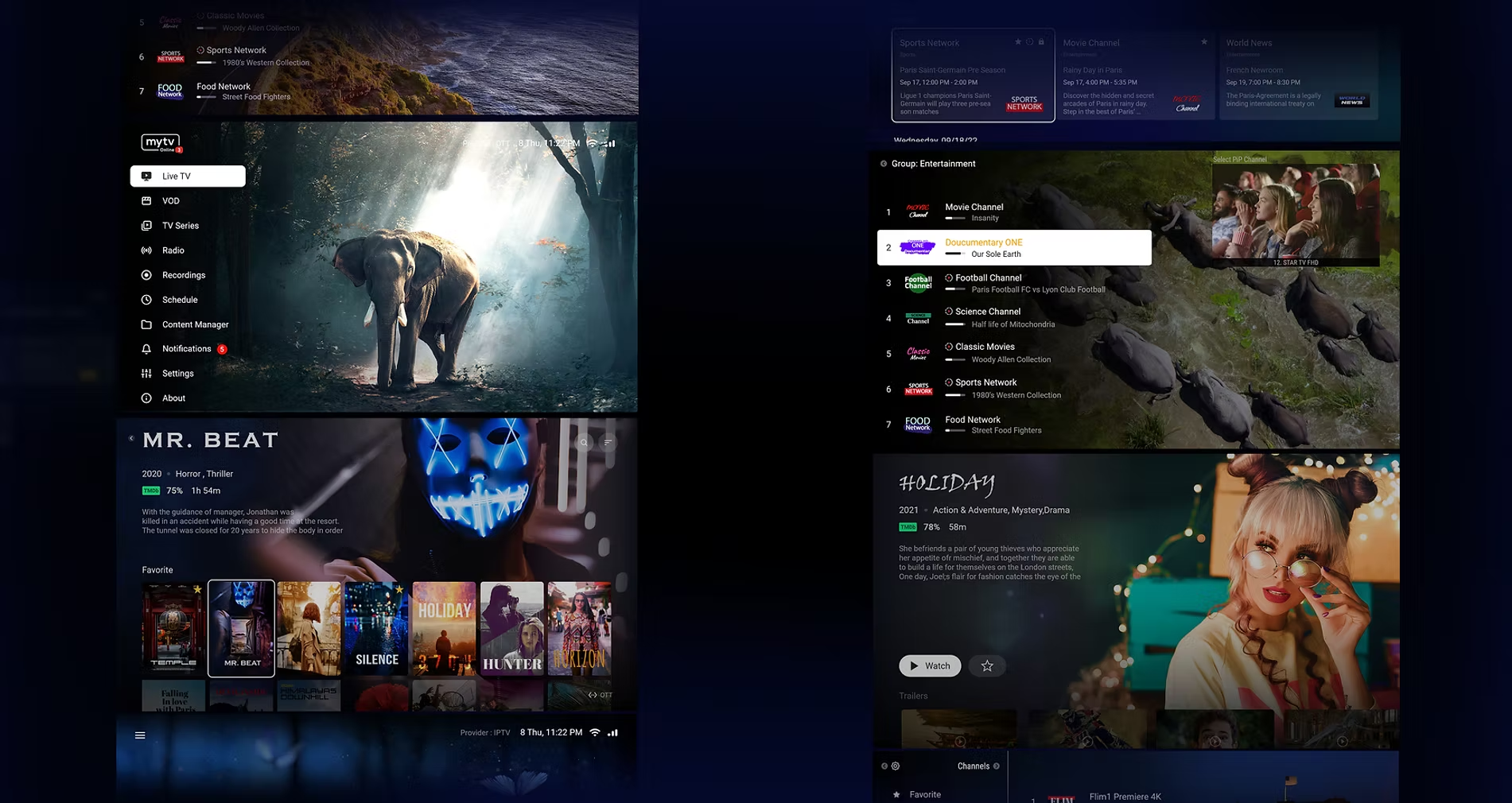


A streamlined Android media hub for content from multiple sources.
A refreshed interface brings your entertainment closer.
Browse channels, movies and series through an immersive interface made for larger screens.
Move favorite channel groups to the top.
Adjust audio, subtitles and playback controls while you watch.
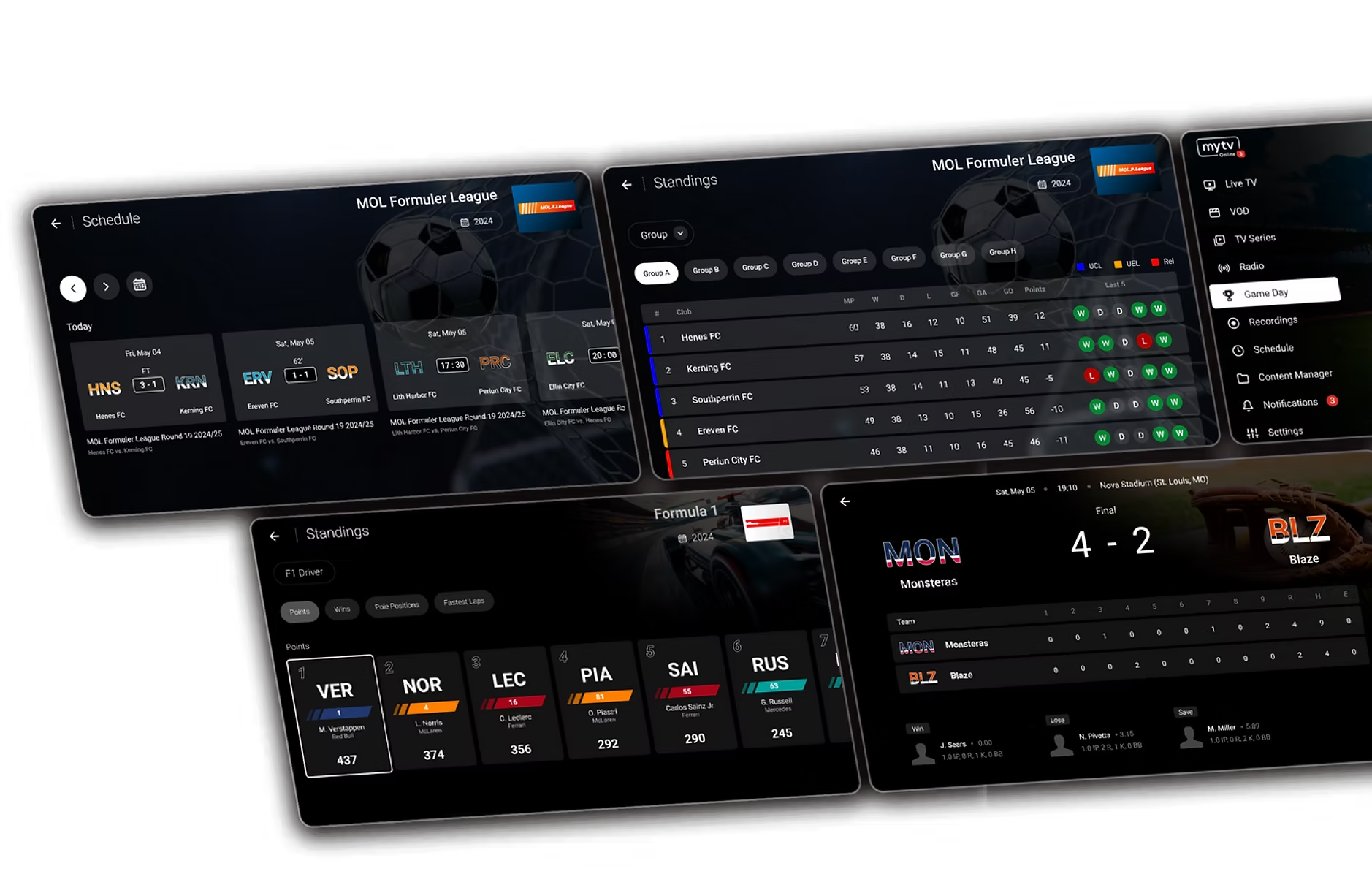
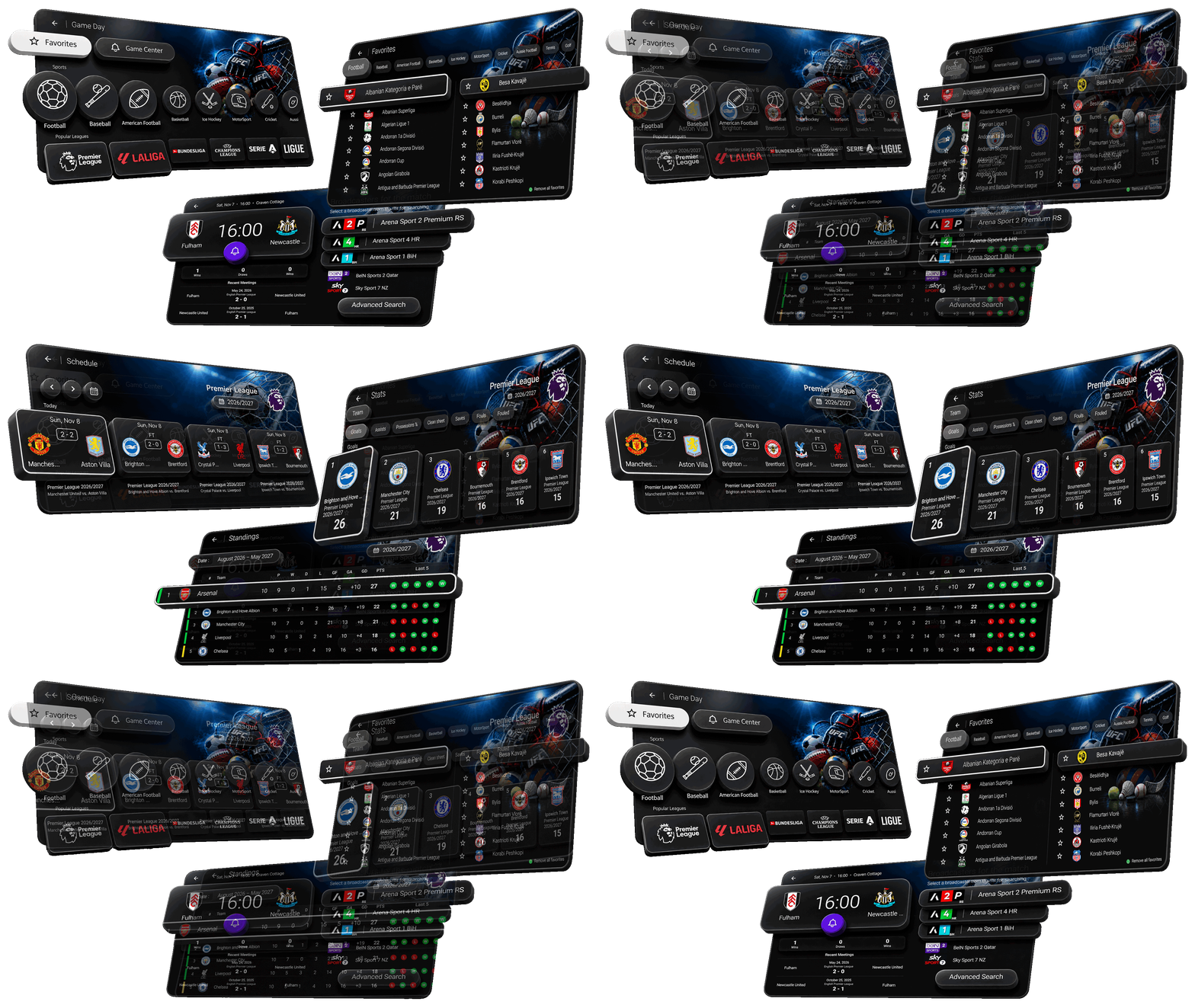
Fixtures, scores, standings and statistics. Follow teams and leagues, schedule reminders and receive live updates.
Find your next watch with a single search across your content.

See announcements and track updates without leaving the app.

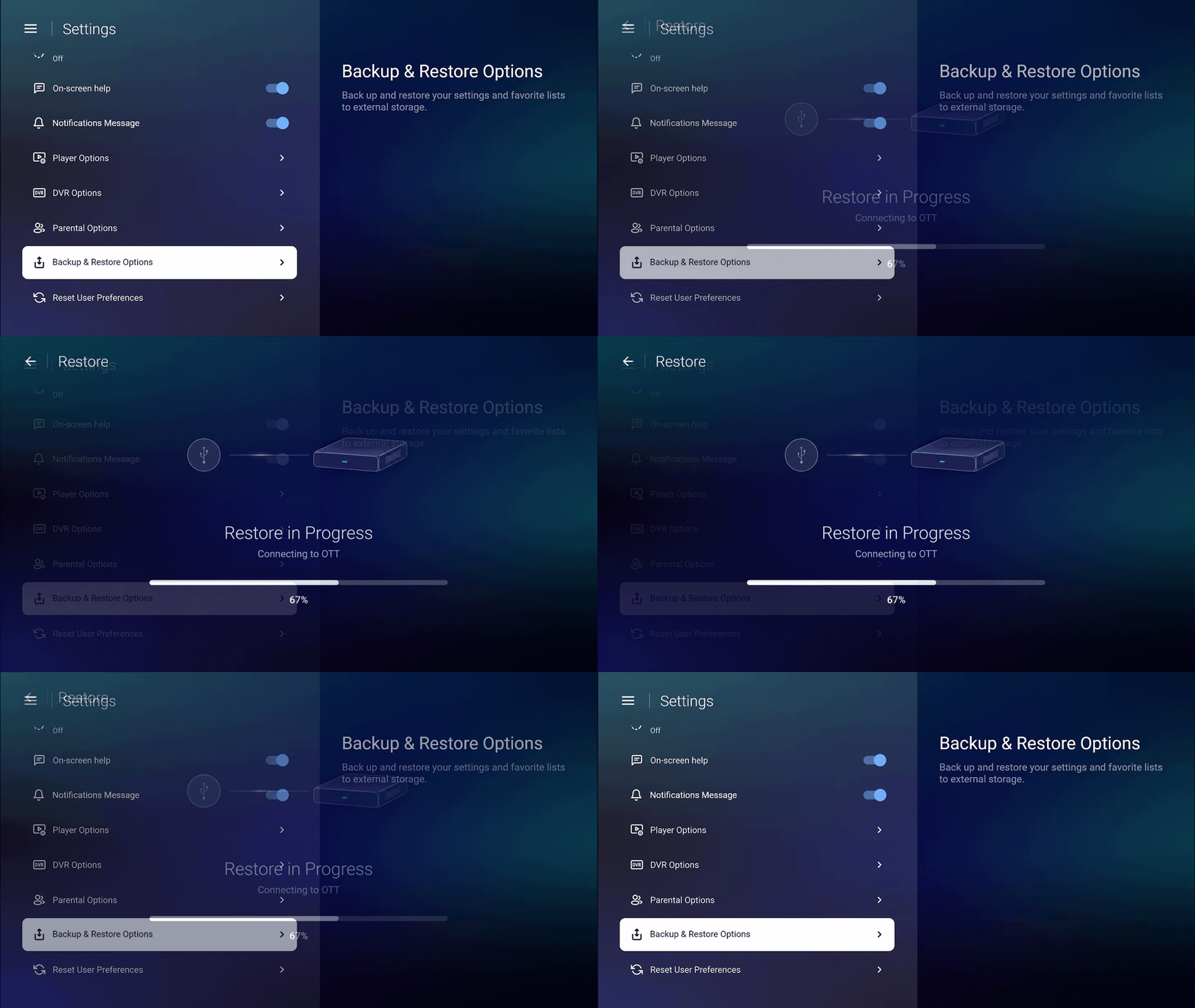
Save application data and settings externally; restore them whenever needed.
Pause, rewind or return to the start of the current broadcast.
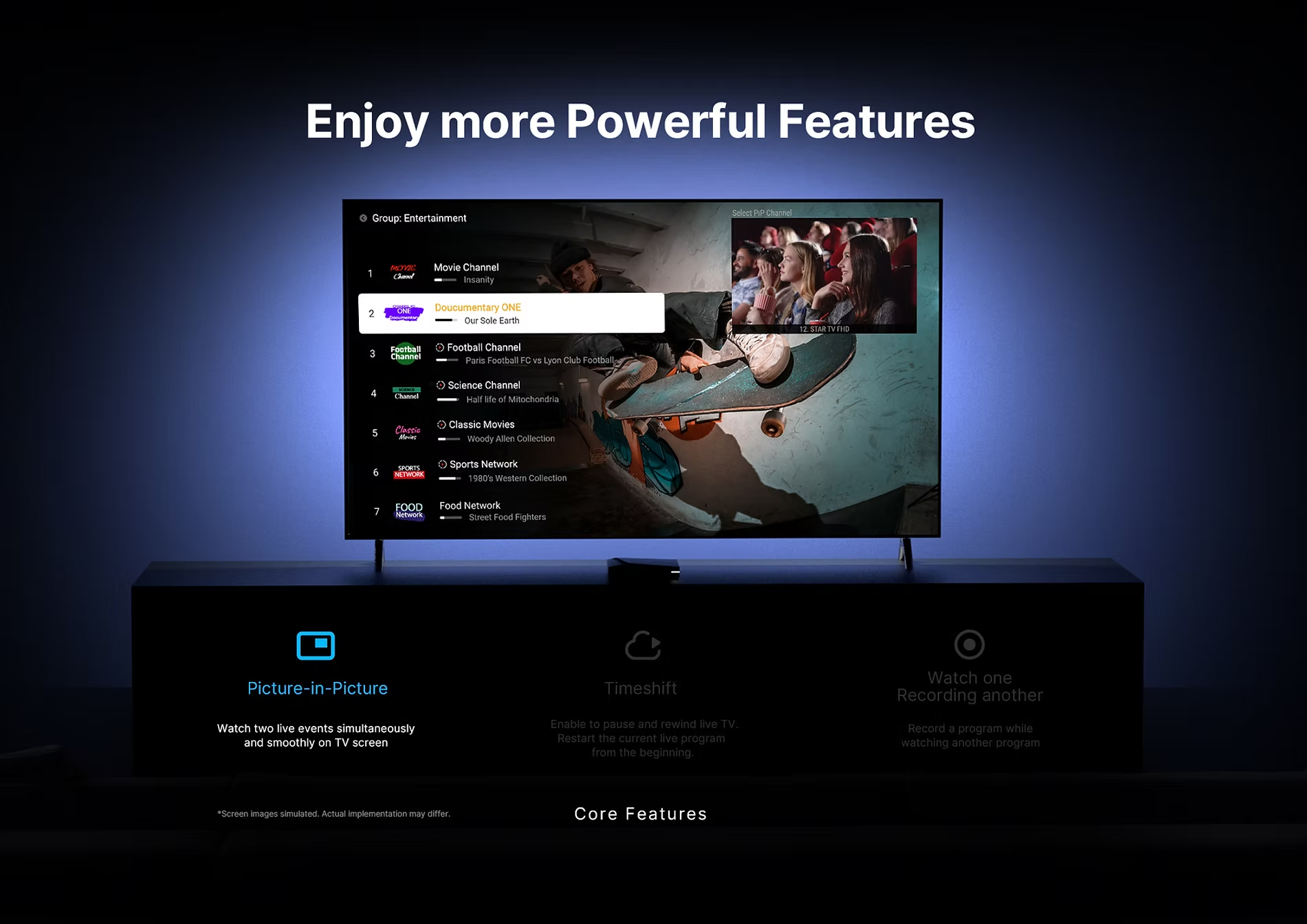
Keep two live streams on screen together.
Capture a broadcast while watching another channel, or play a saved recording as a new one is recorded.
Find your Virtual MAC address and Device ID on the activation screen.
Use your device details to sign in to your personal device portal.
Add your playlists, activate your device and get ready to watch.
Your screen. Your playlists. Your experience.